
Apple Shortcuts
How to trigger Quick Capture's Apple Shortcuts from Action Button?
Settings → Action Button → Search for"Quick Capture Obsidian"→ Select"Quick Capture"→ Done
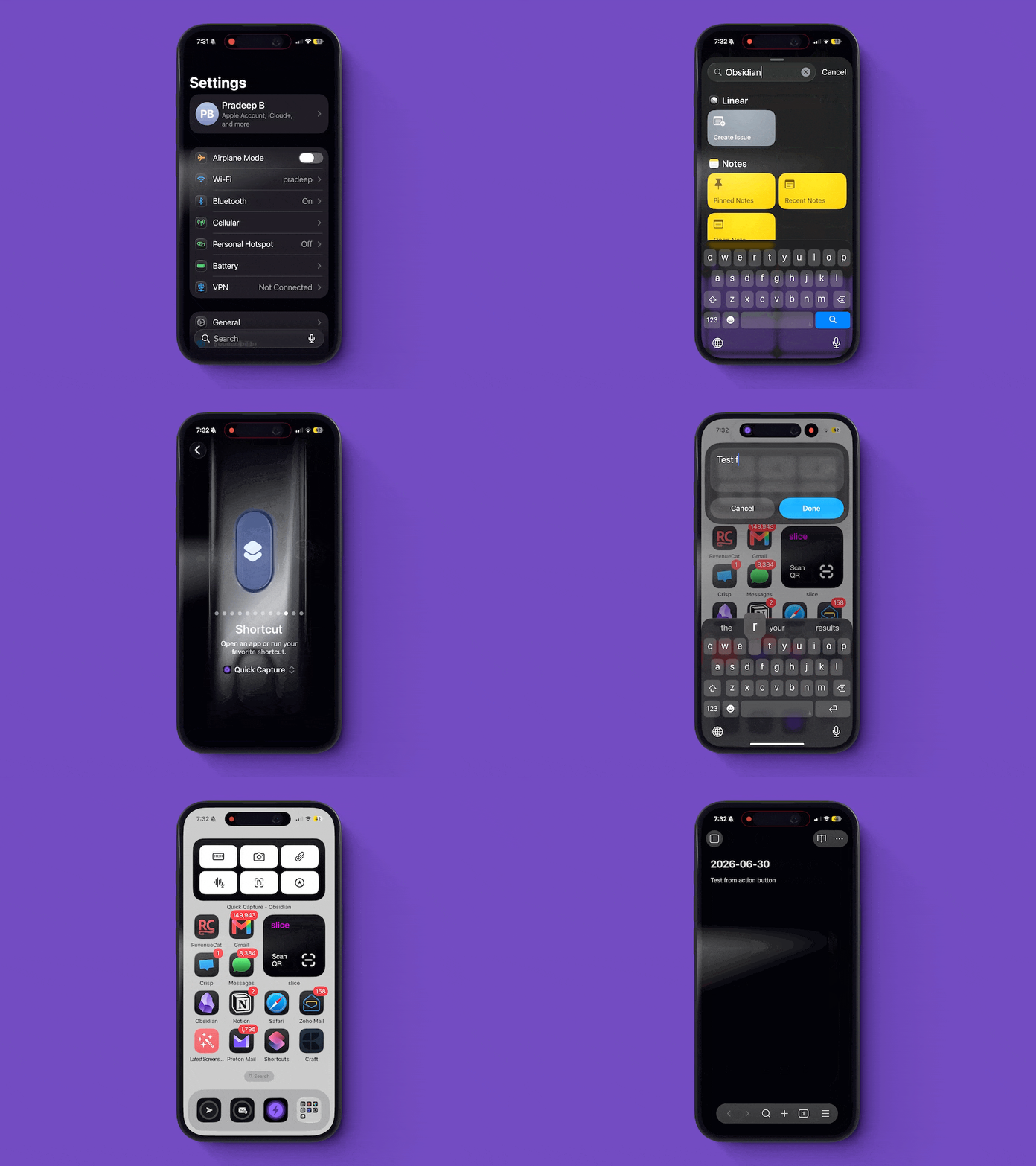
To find default Apple shortcuts → Open Shortcuts app → Search for "Quick capture" and tap on it → You'll see 5+ default Apple shortcuts. You can use them as they are or create a new one by long-pressing and selecting the option to create a new shortcut.